Google Maps Adds Prominent Message Button on iOS and Android
Google now shows a Message button next to Call on Maps listings for iOS and Android, routing chats to WhatsApp and SMS and unifying contact with Search.
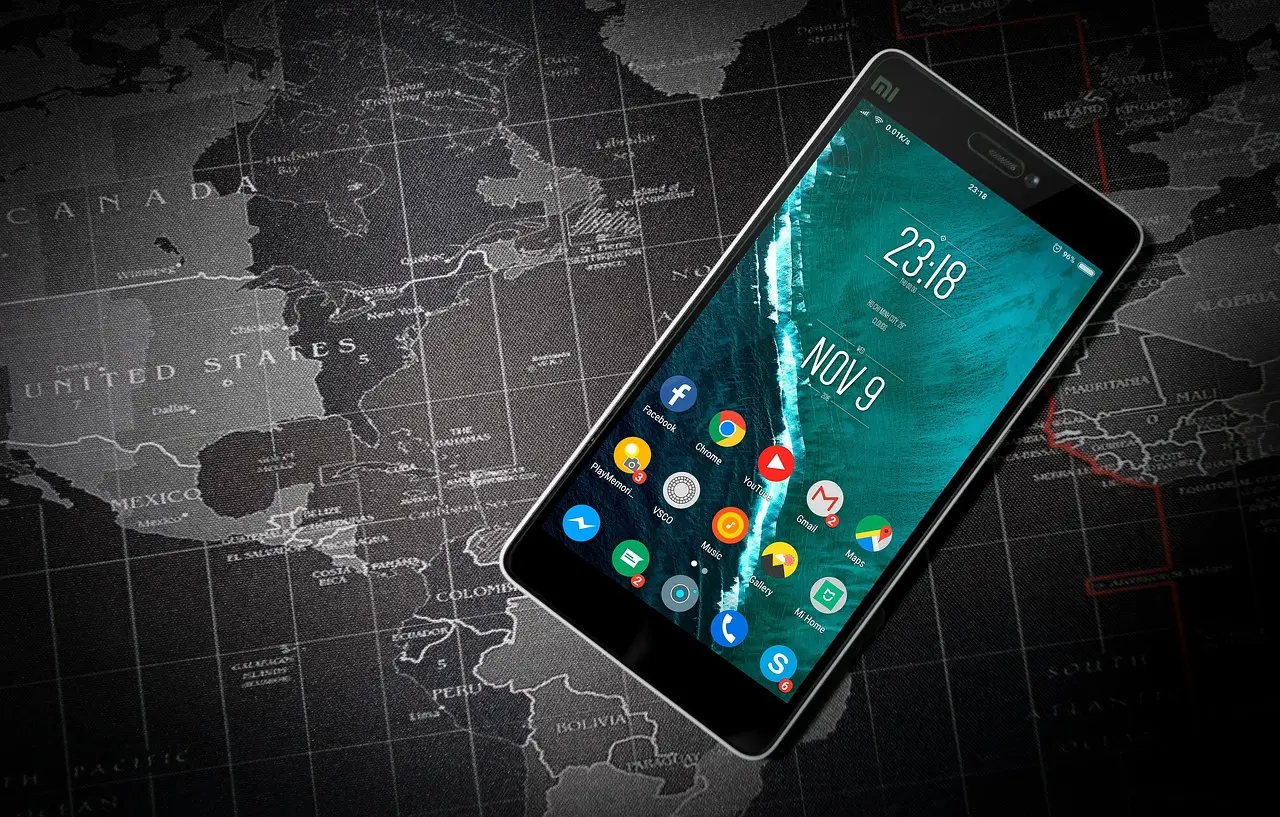
- Google placed a Message button next to Call on Google Maps listings for both Android and iOS.
- Previously, Maps chat required scrolling deep into the business profile; the button now appears in three surfaces.
- Tapping Message routes customers to existing channels including WhatsApp and SMS/Text.
- The change was announced in Google's monthly Small Business Bulletin and detailed by Lisa Landsman in the Google Business Help Forums.
- Owners should verify their preferred messaging channel is linked in their Google Business Profile.
Google has placed a prominent Message button directly next to "Call" on Google Maps business listings for both Android and iOS users. The change surfaced in Google's monthly "Google Small Business Bulletin" and was detailed by Lisa Landsman in the Google Business Help Forums, in a section titled "Messaging Expands to Google Maps."
The placement marks a real shift in visibility. Previously, customers who wanted to chat with a business through Maps had to scroll deep into the business profile to find the messaging option. Now the button appears in three surface areas: the main profile view, the expanded header, and the bottom action bar.
What did Google actually confirm?
Landsman's forum post is the confirmed statement here. She wrote: "We've expanded the feature so customers on both Android and iOS can now find a prominent Message button right next to 'Call' on your Google Maps listing."
She added: "Previously, finding chat on Maps required scrolling deep down into your profile. Now, whether a customer views your profile, opens the expanded header, or uses the bottom action bar, messaging is front and center."
This is an official Google communication channel — the Small Business Bulletin plus a named Google liaison posting in the company's own help forums. No third-party tool data or speculation is involved in this story.
Why does the placement matter for local businesses?
Landsman laid out three practical effects in her post, under the heading "Why this matters for your day-to-day":
- Chats land where you already work. Tapping "Message" routes customers straight to channels the business already handles, including WhatsApp and SMS/Text.
- Catches leads when you can't pick up. When an owner is mid-appointment or on an off-site job, customers get an immediate fallback to check availability, ask a question, or clarify appointment details instead of giving up.
- A unified experience across Search and Maps. Customers get the same way to reach a business regardless of where they discover it.
The routing detail is the operative one for owners. The button does not create a new inbox. It feeds existing channels — WhatsApp and SMS among them — which means a misconfigured profile can send chats somewhere nobody monitors.
What should businesses check right now?
Google advises owners to verify that their preferred messaging channel is properly linked in their Google Business Profile, so incoming chats land where they want them. That check takes minutes and directly controls where the new Maps traffic flows.
For service businesses and appointment-based verticals — salons, contractors, clinics — the change matters most. These are the operations where missed calls equal lost bookings, and where a text fallback converts a would-be abandoned inquiry into a scheduled job.
Is this part of something larger?
Yes. The messaging expansion is one item in Google's monthly Small Business Bulletin, which recaps new features across Google Maps and Google Business Profiles and offers tips to merchants. Google publishes the bulletin each month; most of the other items in this edition had already been covered in recent Maps coverage.
The pattern is consistent: Google keeps consolidating contact paths across Search and Maps so that discovery and conversion happen in one flow rather than across disconnected surfaces. Forum discussion continues at the Google Business Help Forums.
Watch the next monthly bulletin for further GBP contact features — and monitor your linked messaging channel now, before the Maps button sends customers into an unmonitored inbox.
via support.google.com (Original)
More from Nathan Brooks
Show full bio
Senior reporter covering companies, deals and strategy in Search rankings and algorithm updates, generative engine optimization at SERP Journal.
211 articles